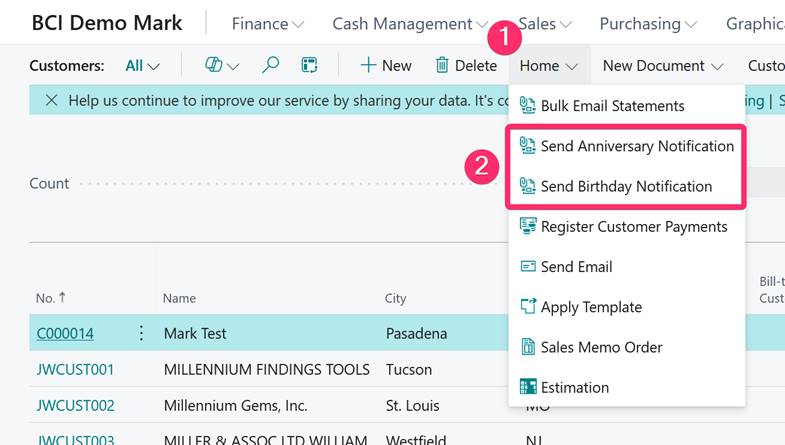
Birthday & Anniversary Setup in BC
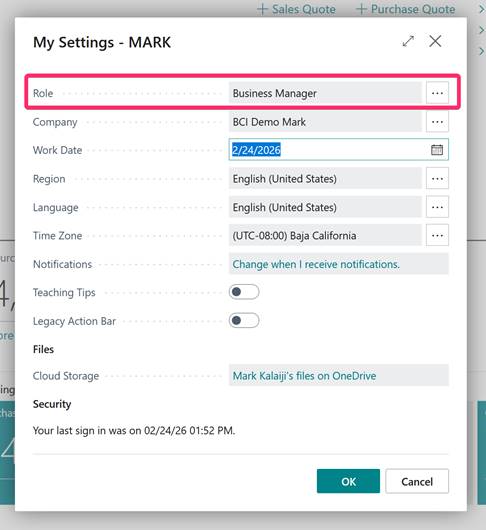
- Change Role Center to Business Manager
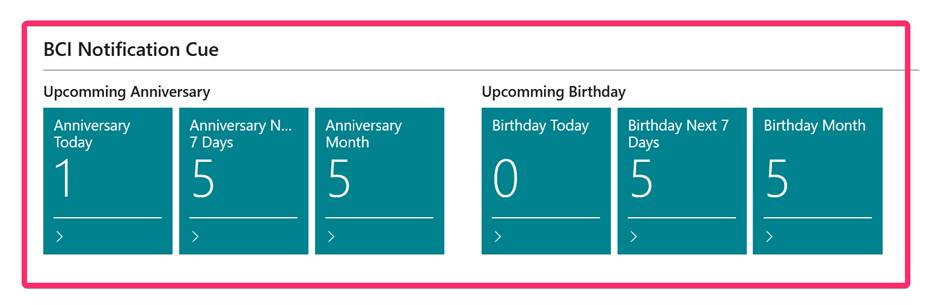
- Scroll down on the home screen and you will see BCI Notification Cue section
- This will house the Anniversary and Birthday Tiles
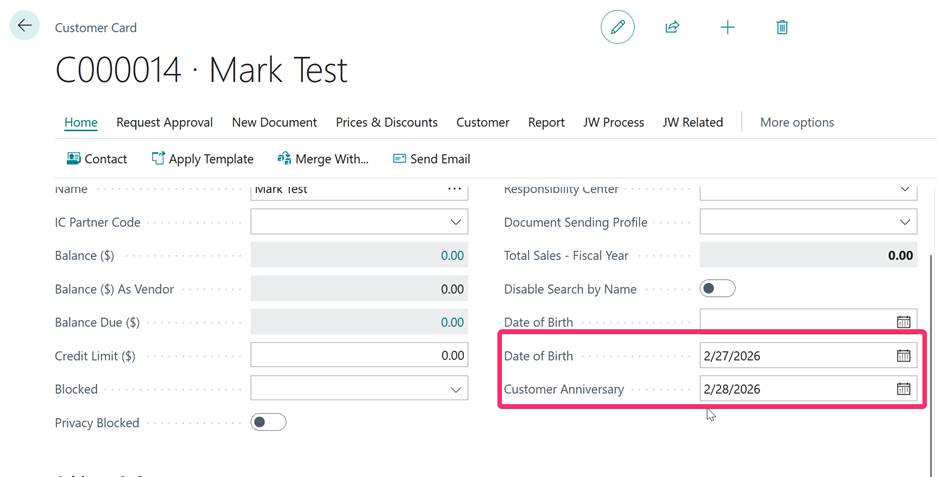
- On each Customer Card, make sure you have a Birthday and/or Anniversary setup under the General Tab
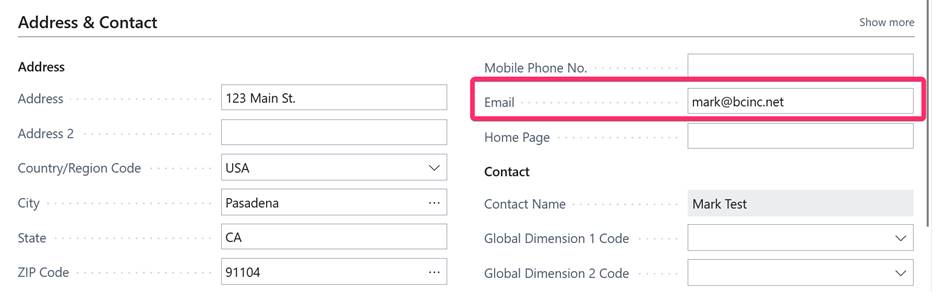
- Make sure email is setup as well
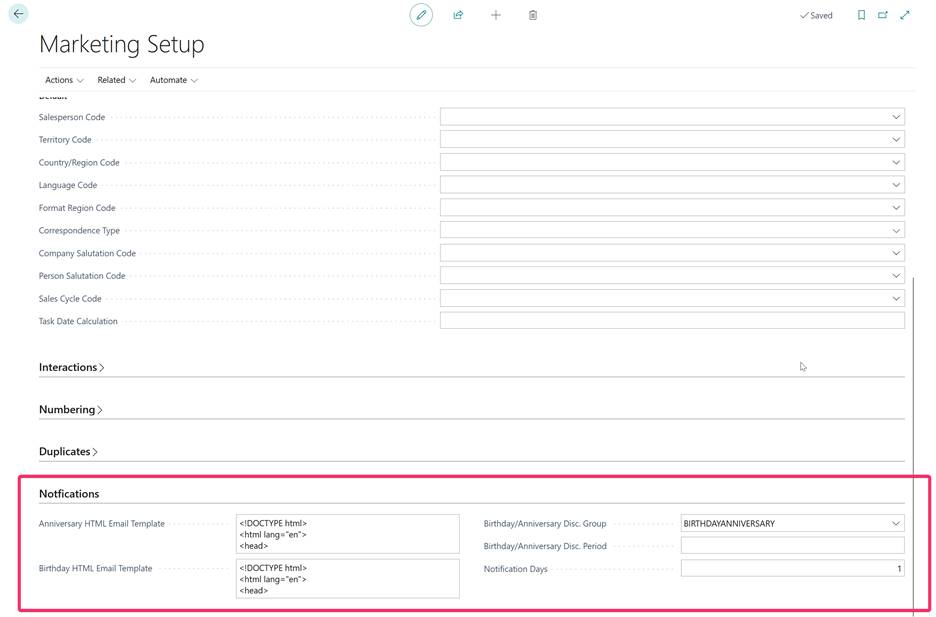
- Search for Marketing Setup and navigate to the Notifications tab
- Add a pre-made HTML Email template for Anniversary and Birthday
- Create a Birthday/Anniversary Discount Group
- This is where you can provide a discount for your customer whether it is their Birthday or Anniversary
- You can setup the notification days duration (example of 1 day)
- Once done, a Job Queue will automatically notify the customer automatically based on the email provided in their Customer card
- If you would like to manually send you do so by going to the Customer List then selecting Home ➜ Send Anniversary/Birthday Notification