
Setup Required for Repair Job Template
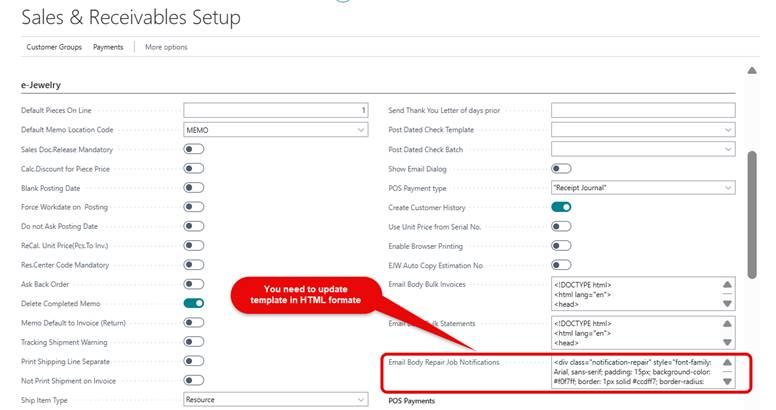
Repair Job
- Create a new Sales Order
- Choose the Customer
- On the lines, choose Type as “Resource” and No as “Repair”
- From “eJewelry” choose “Create Job”
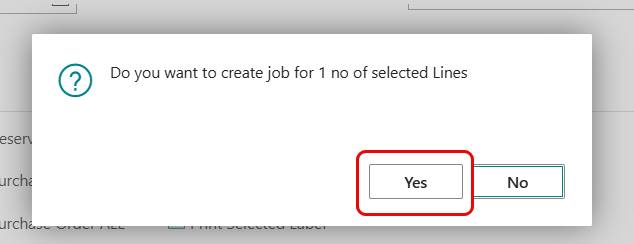
- The System will ask “Do you want to create a repair job?” Choose yes
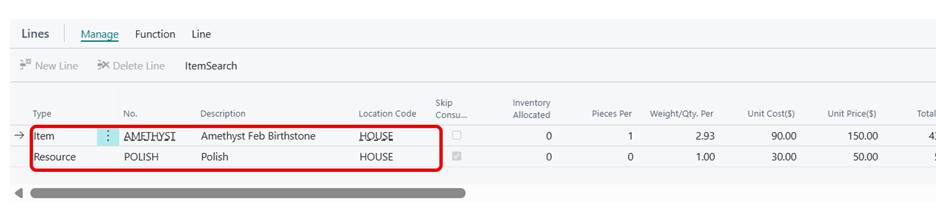
- Update the Item and Resource at Line level.
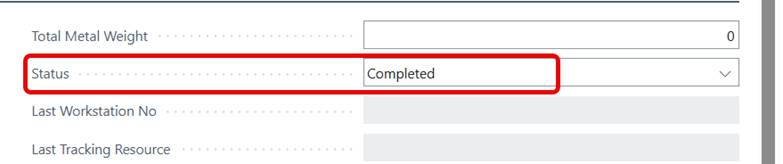
- Change the status to Completed
- Post the Job
- Click Yes for Do you want to send email notification to customer ?
Screenshot for Steps
Step1 : Create a new Sales Order
Step 2 : Choose the Customer
Step 3 : On the lines, choose Type as “Resource” and No as “Repair”
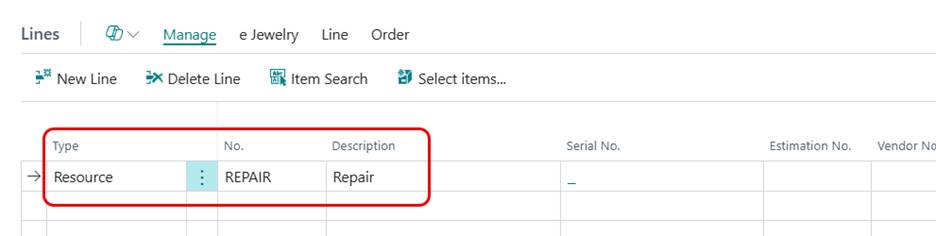
Step 4 : From “eJewelry” choose “Create Job” 
Step 5 : The System will ask “Do you want to create a repair job?” Choose yes
Step 6. The “Items” window will pop up. Choose the item to be repaired
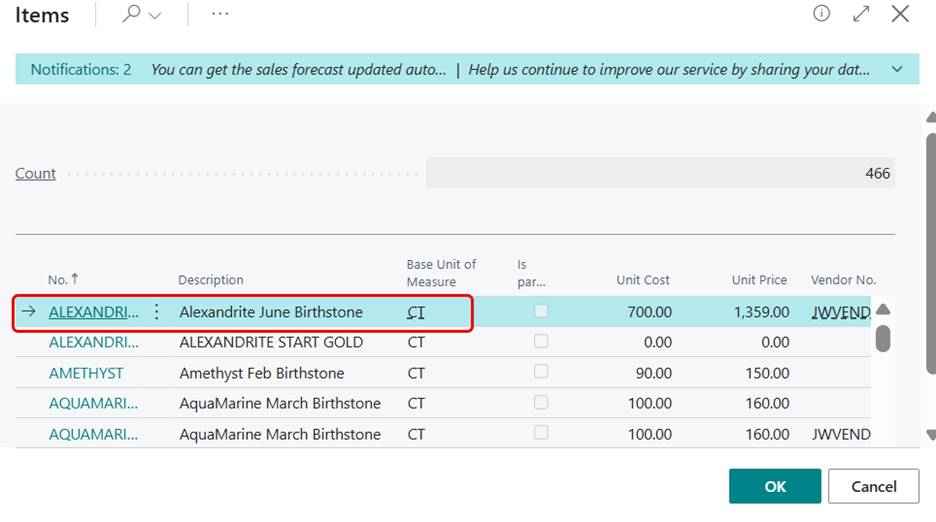
Step 7: Update the Item and resource at line level
Step 8 : Change the status to Completed.
Step 9 : Post the Job
Step 10 : check the Email
Step 11 : Now the Sales order is ready to be posted
Step 12: Go back to the Sales Order and put a Unit Price and Post the Sales Order